Vicky
VickyWhen it comes to professional networking and job hunting, LinkedIn is usually the first platform people think of. But it’s not the only option. There’s a growing demand for LinkedIn alternatives that offer fresher communities, different pricing models, and more focused ways to connect freelancers with clients.
Whether you want more targeted job opportunities, a niche freelance marketplace, or a different style of networking altogether, there are plenty of alternatives to LinkedIn worth exploring. In this guide, we’ll walk through 10 of the best options for freelancers and clients, explaining who they’re best for, key features, and how they compare so you can choose the right place to find work or hire talent.
How to Choose the Best LinkedIn Alternatives
When you’re comparing LinkedIn alternatives, it’s worth looking beyond brand names and focusing on how each platform actually works for your goals.
- Industry fit
Ask whether the platform’s user base matches your industry and target audience. Niche platforms for creatives, developers, or remote workers can be far more effective than broad general sites. - Job searching and hiring experience
Look at how easy it is to search job listings, filter results, and manage applications or proposals. For clients, check how simple it is to post a project and review candidates. - Trust and reputation
Consider reviews, vetting processes, and how the platform handles payments and disputes. Strong vetting and clear reviews can save a lot of headaches later. - Features and support
Compare extras like project management tools, SafePay/escrow systems, career coaching, or talent matching. These often set one LinkedIn competitor apart from another.
By weighing these factors, you’ll find the best LinkedIn alternative for your needs, whether that’s landing more freelance work or building a reliable pool of external talent.
1. Twine
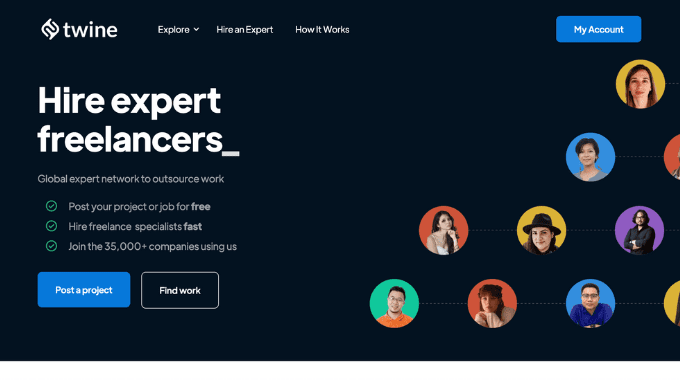
If you’re looking for freelancers, Twine is a strong alternative to LinkedIn. It’s a marketplace with more than half a million freelance members, helping businesses connect with specialists in fields like design, animation, music, and development. Twine is used by both big companies and fast-growing startups, and its easy-to-use platform makes finding vetted creative and technical talent straightforward.
Pros of using Twine:
- Scale Your Team: Companies increasingly require teams of contractors rather than just one freelancer. Twine offers a solution that can scale from two freelancers to hundreds.
- Quality Assurance: Twine rigorously vets job applicants, ensuring only top level talent gets through.
- Free Job Posting: Unlike some other freelancing platforms, Twine allows businesses to post jobs for free.
- 0% commission for freelancers: Freelancers keep 100% of what clients pay, which is a key differentiator from other platforms.
Cons of using Twine:
- Competition: Freelancers may face stiff competition from other talented professionals vying for the same projects, compared to other LinkedIn alternatives.
- Pro Tier: Some freelancer features are part of Twine’s Pro membership, which is a paid subscription service.
- Limited Free Membership: Freelancers are limited to 15 job applications per month on the free Starter plan.
Why is Twine a better alternative to LinkedIn?
Twine offers a compelling alternative to LinkedIn for businesses and freelancers alike. Twine fosters a collaborative environment where businesses can browse through a diverse pool of talented freelancers, ranging from graphic designers to animators and musicians, and directly engage with them to discuss project requirements and objectives. This personalized approach enables businesses to find the perfect match for their needs, ensuring that every project is executed with precision. With its emphasis on quality, collaboration, and customization, Twine stands out as a go-to platform for those seeking top-notch talent and seamless project management.
2. Upwork
When researching LinkedIn alternatives, you might consider Upwork. It’s a leading online platform designed to connect freelancers with clients seeking various services, ranging from web development and graphic design to digital marketing and virtual assistance. With millions of registered users and a vast array of job categories, Upwork has established itself as a go-to destination for both freelancers and businesses looking to collaborate remotely.
Pros of using Upwork:
- Greater Flexibility: Upwork offers more flexibility in terms of project scope, duration, and pricing structures compared to LinkedIn, allowing freelancers and clients to negotiate terms that best suit their needs.
- Customized Hiring Process: Upwork allows clients to post detailed job descriptions and screen applicants based on specific criteria, ensuring a tailored hiring process.
- Advanced Project Management Tools: Upwork offers robust project management features, including time tracking, milestone tracking, and collaboration tools, to streamline workflow and communication.
Cons of using Upwork:
- Higher Fees: Upwork charges higher fees compared to LinkedIn, including service fees for both freelancers and clients, as well as additional fees for premium features and services.
- Competitive Environment: Upwork’s large talent pool can lead to increased competition among freelancers, making it challenging for new or less experienced freelancers to stand out.
- Variable Quality: While Upwork offers access to a wide range of talent, the quality of work may vary, requiring clients to carefully vet freelancers and monitor project progress.
Why is Upwork a better alternative to LinkedIn?
While LinkedIn excels in professional networking, Upwork stands out as a good alternative for securing freelance work. With its specialized focus on freelancing and remote jobs, Upwork offers efficient connections between freelancers and global clients. Its comprehensive features, secure payment systems, and diverse job categories provide freelancers with unmatched flexibility and control over their careers.
Clients benefit from flexible contracts and diverse talent pools, making it a strong LinkedIn competitor for hiring.
3. Freelancer
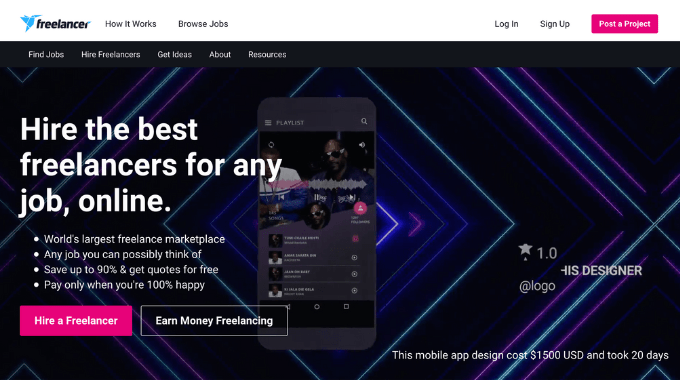
Freelancer is a well-known marketplace that connects businesses and individuals with skilled professionals across countless industries. Whether you’re a freelancer hunting for projects or a business outsourcing work, it offers a structured way to post jobs, receive bids, and manage projects, making it a realistic alternative to LinkedIn’s more general job posts.
Pros of using Freelancer:
- Flexibility in Pricing: Freelancer provides more flexibility in pricing, enabling freelancers to set their rates based on project requirements and their level of expertise.
- Bidding System: Freelancer operates on a bidding system where freelancers can submit proposals for projects, giving them more control over the projects they choose to work on.
- Opportunity for Long-term Relationships: Freelancer facilitates the development of long-term relationships between freelancers and clients, fostering ongoing collaborations beyond individual projects.
Cons of using Freelancer:
- Competitive Environment: Freelancer’s bidding system can create a highly competitive environment where freelancers need to constantly bid on projects to secure work, which may not be suitable for everyone.
- Fee Structure: Freelancer’s fee structure, including membership fees and project commission rates, may be higher compared to LinkedIn, affecting freelancers’ overall earnings.
Why is Freelancer a better alternative to LinkedIn?
With its specialized focus on connecting freelancers with diverse job opportunities, Freelancer offers a streamlined process for securing projects. Its bidding system, customized listings, and global reach provide freelancers with unmatched flexibility and control over their careers, when compared to LinkedIn.
4. Fiverr
Fiverr is a great option if you want quick, fixed-price services rather than long proposal threads. Whether you need a logo, website, or short jingle, Fiverr’s massive pool of freelancers makes it easy to browse gigs, compare reviews, and buy specific services without a complex hiring process
Pros of Using Fiverr:
- Variety: Fiverr has thousands of freelancers offering services in over 300 categories.
- Affordability: Fiverr’s pricing is often more budget-friendly compared to other LinkedIn competitors. You can find gigs starting as low as $5, making it accessible to freelancers and businesses of all sizes.
- Flexibility: Freelancers on Fiverr set their own prices and work schedules, giving you the freedom to find someone who fits your budget and timeline.
- Easy Communication: Fiverr’s messaging system makes it simple to communicate with freelancers, share files, and discuss project details all in one place.
Cons of Using Fiverr:
- Quality Varies: While Fiverr boasts a wide range of talent, the quality can be hit or miss. It’s important to thoroughly vet freelancers before committing to a job.
- Service Fees: Fiverr takes a cut of every transaction, which can add up, especially for larger projects.
- Limited Control: Since freelancers set their own work schedules, you may encounter delays or difficulty getting revisions done in a timely manner.
Why is Fiverr a Better Alternative to LinkedIn?
While LinkedIn is useful for networking and long-term relationships, Fiverr is often better for fast, transactional work. Its gig-based system, transparent pricing, and huge range of creative services let freelancers showcase specific offers and help clients find exactly what they need without lengthy back-and-forth.
If you’re focused on creative talent, check out our guide to hourly rates for graphic designers.
5. Guru
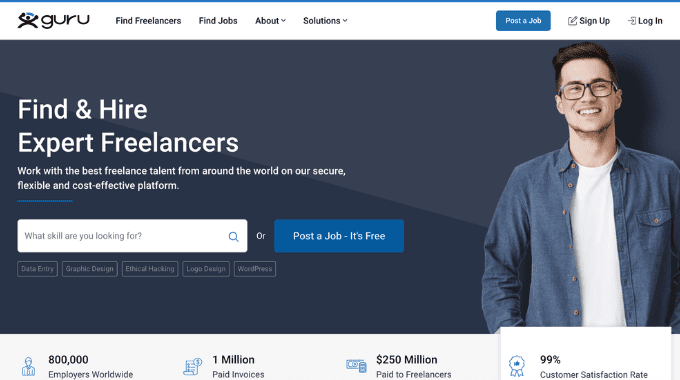
Guru is a popular platform for both freelancers and businesses to collaborate on projects. Guru offers several stand out features for the freelancing industry, including a safe pay system, collaborative work rooms, and flexible payment agreements.
Pros of Using Guru:
- Secure Payment System: Guru’s SafePay system ensures freelancers receive payment for their work and clients are satisfied with the results before funds are released.
- Flexible Payment Options: Guru allows users to choose between hourly rates, fixed prices, recurring payments, or task-based payments.
- WorkRooms for Collaboration: WorkRooms provide a centralized space for freelancers and clients to collaborate, share files, and track project progress in real-time.
Cons of Using Guru:
- Higher Commission Rates: Some may find Guru’s commission rates to be higher than other platforms, which can affect overall earnings.
- Limited Quality Control: Unlike platforms with stringent vetting processes, Guru may have a less rigorous quality control system, leading to variability in the quality of freelancers’ work.
Why is Guru a Better Alternative to LinkedIn?
Compared to LinkedIn, Guru has a specialized focus on connecting businesses with highly skilled professionals. With Guru’s streamlined interface, transparent project management tools, and secure payment system, freelancers can easily access a diverse range of opportunities tailored to their expertise. Consider it a LinkedIn alternative if it meets you needs.
6. Toptal
Next up on our list of alternatives to LinkedIn for clients and freelancers is Toptal. This site is a large freelance platform that connects businesses with the top 3% of talent in various industries, including design, development, project management, and finance.
Pros of Using Toptal:
- Top Talent: Toptal rigorously vets freelancers to ensure businesses have access to the best talent available.
- Custom Matchmaking: Toptal matches businesses with freelancers based on their specific project requirements and skillsets.
- No-Risk Trial Period: Businesses can try out freelancers with a no-risk trial period before committing to a long-term engagement.
Cons of Using Toptal
- High Cost: Toptal’s premium service comes with a higher price tag compared to other freelance platforms.
- Limited for Small Projects: Toptal may not be suitable for small projects or businesses with limited budgets due to high minimum fees.
Why is Toptal a Better Alternative to LinkedIn?
TopTal can be a better LinkedIn alternative for finding work due to its specialized focus on connecting businesses with elite freelancers. With TopTal’s rigorous screening process, personalized matching, and dedicated support, freelancers can access high-quality opportunities tailored to their expertise.
7. PeoplePerHour
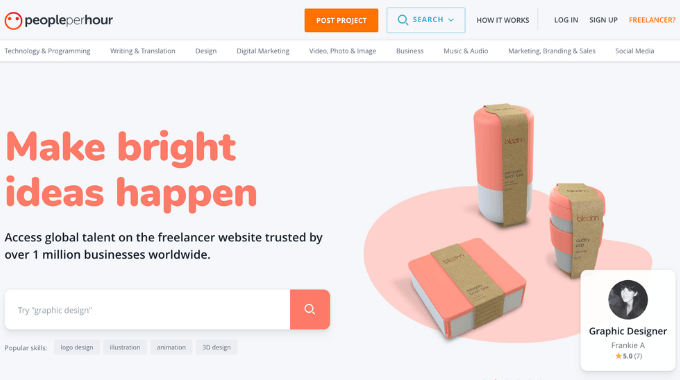
PeoplePerHour is a popular platform designed for freelancers to showcase their skills and connect with businesses in need of various services. With its user-friendly interface and extensive range of categories, PeoplePerHour provides freelancers with ample opportunities to find work and businesses to hire skilled professionals for their projects.
Pros of using PeoplePerHour:
- Specialized Services: PeoplePerHour offers a more specialized approach compared to LinkedIn, allowing freelancers to showcase their expertise in specific fields and providing businesses with access to highly skilled professionals.
- Customized Project Listings: PeoplePerHour allows businesses to create custom project listings tailored to their exact requirements, making it easier to find freelancers with the right skills and experience for their projects.
- Quality Control: PeoplePerHour employs a rigorous vetting process to ensure the quality of freelancers on the platform, providing businesses with confidence in the skills and expertise of the professionals they hire.
- Flexibility in Pricing: PeoplePerHour offers flexibility in pricing, allowing freelancers to set their rates based on the complexity of the project and their level of expertise.
Cons of using PeoplePerHour:
- Limited Project Scope: PeoplePerHour may have a more limited scope of projects compared to LinkedIn, especially in certain niche categories.
- Higher Competition: Due to its focus on specialized services, PeoplePerHour may have higher competition among freelancers, making it more challenging to stand out and secure projects.
- Fee Structure: PeoplePerHour’s fee structure, including commission rates and membership fees can be higher, affecting freelancers’ overall earnings.
Why is PeoplePerHour a better alternative to LinkedIn?
PeoplePerHour offers specialized services, customized project listings, and a rigorous vetting process, providing businesses with access to highly skilled professionals tailored to their specific needs. With its focus on quality and expertise, PeoplePerHour is an excellent alternative to LinkedIn for businesses seeking top-tier freelancers for their projects.
8. 99 Designs
99Designs is a leading platform specifically tailored for businesses seeking design services. It operates on a unique contest-based model where businesses can launch design contests and receive custom designs from a community of talented designers. With its focus on graphic design, 99Designs offers businesses a creative and collaborative platform to fulfill their design needs.
Pros of using 99designs:
- Custom Design Contests: 99Designs allows businesses to launch design contests, enabling them to receive a variety of custom designs tailored to their specifications.
- Access to Design Experts: The platform boasts a large community of skilled designers with expertise in various design disciplines, ensuring businesses have access to top-notch design talent.
- Creative Collaboration: 99Designs fosters a collaborative environment where businesses can provide feedback and revisions to designers, ensuring the final deliverables meet their expectations.
- Diverse Design Services: Beyond traditional graphic design, 99Designs offers a wide range of design services, including logo design, branding, web design, and more, catering to diverse business needs.
Cons of using 99designs:
- Potentially Higher Costs: Due to the contest-based model, businesses may incur higher costs, especially if they require extensive revisions or multiple design concepts.
- Time-Intensive Process: Design contests on 99Designs typically take longer to complete compared to direct hires on LinkedIn, as businesses need to wait for designers to submit their entries and provide feedback before selecting a winning design.
- Limited Scope: While 99Designs excels in graphic design services, it may not be the ideal platform for businesses seeking a broader range of freelance services beyond design.
Why is 99designs a better alternative to LinkedIn?
99Designs offers businesses a unique and specialized platform specifically tailored for design services, providing access to a diverse community of talented designers and fostering a collaborative design process. While LinkedIn offers a broader range of freelance services, 99Designs stands out as the preferred choice for businesses seeking custom design solutions and creative expertise.
9. FlexJobs
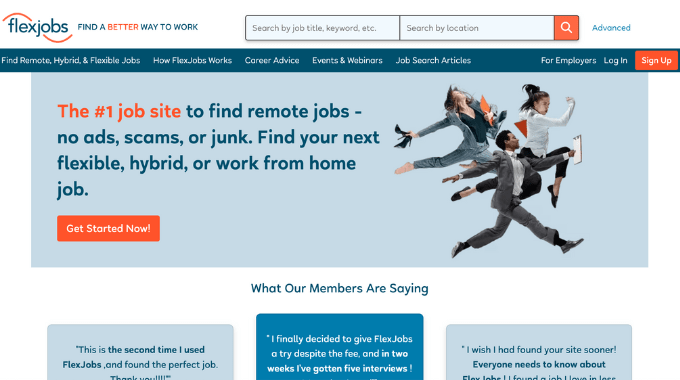
FlexJobs is a leading platform specializing in remote and flexible job opportunities. It offers curated telecommuting, part-time, freelance, and flexible schedule positions across various industries. Unlike traditional job boards, FlexJobs vets each posting for legitimacy, providing a trusted resource for remote work seekers. Additionally, it offers career resources, job search tips, and personalized alerts to streamline the job search process.
Pros of using FlexJobs:
- Vetted Opportunities: FlexJobs curates job listings from reputable companies, ensuring users access legitimate and high-quality remote and flexible jobs.
- Flexible Work Arrangements: The platform offers a wide range of flexible work options, including remote, part-time, freelance, and telecommuting opportunities.
- Job Search Support: FlexJobs provides additional resources like skill tests, resume reviews, and career coaching to assist users in finding and securing employment.
Cons of using FlexJobs:
- Subscription Fee: FlexJobs requires users to pay a subscription fee to access its job listings.
- Competition: Due to its popularity and reputation for quality listings, competition for jobs on FlexJobs can be high, making it more challenging to secure positions.
- Industry Focus: FlexJobs primarily focuses on remote and flexible jobs, so freelancers seeking specific niches or industries may find limited options compared to specialized platforms.
Why is FlexJobs a Better Alternative to LinkedIn?
FlexJobs offers curated job listings, ensuring quality opportunities for freelancers seeking remote and flexible work. With a focus on legitimate and professional opportunities, FlexJobs provides a reliable platform for freelancers to find suitable jobs without sifting through spam or low-quality listings. Additionally, its subscription-based model filters out less serious job seekers, resulting in a more dedicated and competitive pool of applicants.
10. Contra
Contra is a newer freelance platform and professional network that focuses on project-based, flexible work. It’s designed for independent professionals who want a portfolio-style profile, easy contracts and invoicing. Instead of taking a cut from freelancers, Contra makes money from optional Pro features and small client-side fees.
It’s a good LinkedIn alternative if you want something that feels more like a personal website plus marketplace, rather than a traditional job board.
Pros of using Contra:
- Portfolio-first profiles: Contra lets independents build rich, portfolio-style profiles that function almost like a personal site, helping them showcase projects and case studies.
- Built-in client tools: Contracts, proposals, invoices, and payments can all be managed in one place, simplifying admin for both clients and freelancers.
- Quality-focused marketplace: Contra leans toward higher-quality, curated opportunities rather than sheer volume, which can benefit both sides when it comes to fit and seriousness.
Cons of using Contra:
- Smaller job volume: Contra is still relatively young and smaller than giants like Upwork or Fiverr, so there may be fewer open roles in some niches.
- Approval and curation: Profiles are reviewed and some categories are more developed than others, meaning not every freelancer or client will find an immediate fit.
- Reliance on Pro for extras: While the core platform is free, advanced portfolio customisation and analytics sit behind Contra Pro, which is a paid upgrade.
Why is Contra a better alternative to LinkedIn?
Compared to LinkedIn’s broad, networking-first approach, Contra is built specifically for independents and the clients who hire them. It combines portfolio-style profiles, contract and payment tools, and a curated marketplace in one place. For clients, that means working with talent who see more of the money they earn, plus a workflow that’s designed from the ground up for flexible, project-based work.
Final Thoughts on the Best LinkedIn Alternatives:
LinkedIn is still a powerful networking tool, but it’s not always the most efficient place to find freelance work or hire specialist talent. Depending on your goals, platforms like Twine, Upwork, Fiverr, Guru, Toptal, PeoplePerHour, 99designs, and FlexJobs can offer a more focused experience.
If you’re a freelancer, think about where your ideal clients spend their time and how you prefer to work, gig-based, project-based, or long-term. If you’re a client, focus on platforms that match your budget, project scope, and need for vetted talent. Trying a mix of LinkedIn competitors often works best: use LinkedIn for networking, and one or two specialist platforms for serious hiring or pitching.
Twine is particularly useful if you’re hiring creative or technical freelancers and want a curated pool of talent plus clear project briefs. You can post a project for free, receive tailored pitches, and compare portfolios before you decide who to work with.
Related Reads:
- Learn how much freelance graphic designers charge by the hour
- Best platforms to hire graphic designers
- Explore our full cost guide for video editors
- Craft the perfect freelance video editor job description



 Raksha