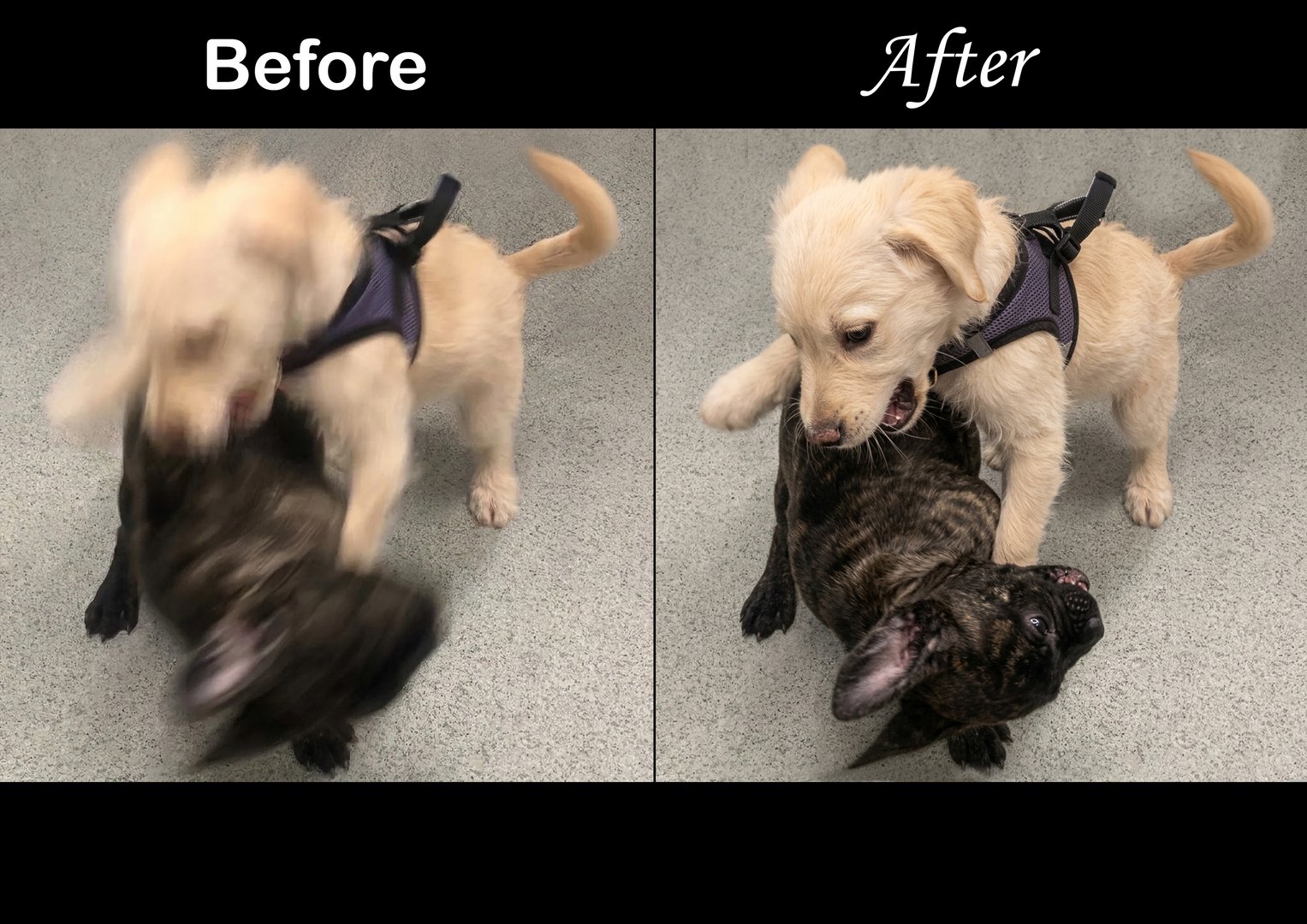
photo retouching and image editing
Sayed
Published
0
- First, the image was opened in Photoshop, and the ‘Smart Sharpen’ filter was selected from the ‘Sharpen’ submenu within the ‘Filter’ menu.
- Within this filter, the ‘Motion Blur’ option was selected under the ‘Remove’ setting; the blur angle and radius were then adjusted to perfect the image.