Maria Fintanidou
Not every partnership lasts forever. Including those with your preferred business tools. Let’s take your email marketing platform, for example. Everything runs smoothly at first. But over time, as your needs become more complex, it becomes hard to use or expensive to afford.
Let’s say a small eCommerce business chose Mailchimp’s Essentials plan because it offered some key functionalities at a low price. But as they try to scale their email strategy, perhaps they need more, e.g., transactional emails or multi-step customer journeys that Mailchimp’s low tier doesn’t cover.
So, they decide to look for a Mailchimp alternative that matches the way their business operates today while keeping the reasonable price. Below are six Mailchimp alternatives that help companies of diverse types build impactful emails with less effort and resources.
Before that, let’s discuss why you might want to look for a Mailchimp alternative.
Why Switch from Mailchimp?
According to user reviews, these are several reasons why customers are searching for Mailchimp alternatives.
Many users choose Mailchimp for its free plan. However, they soon realize that they run into important limitations like the number of contacts (500) or monthly emails (1,000). Or that having only email support for the first 30 days doesn’t work for them.
Low tiers come with limitations, too. For instance, you don’t get access to dynamic content, AI features, or multivariate testing.
Which forces people to pay more for essential functions or design flexibility. Plus, the way Mailchimp charges contacts is unprofitable since marketers must pay for archived or unsubscribed recipients. Lastly, many users report issues with customer support.
So, if you too think that you’ve outgrown Mailchimp (or that it’s outgrown you), keep reading to find the new email tool that will help you create captivating campaigns and perform email verification.
Top 6 Mailchimp Alternatives
1. Moosend
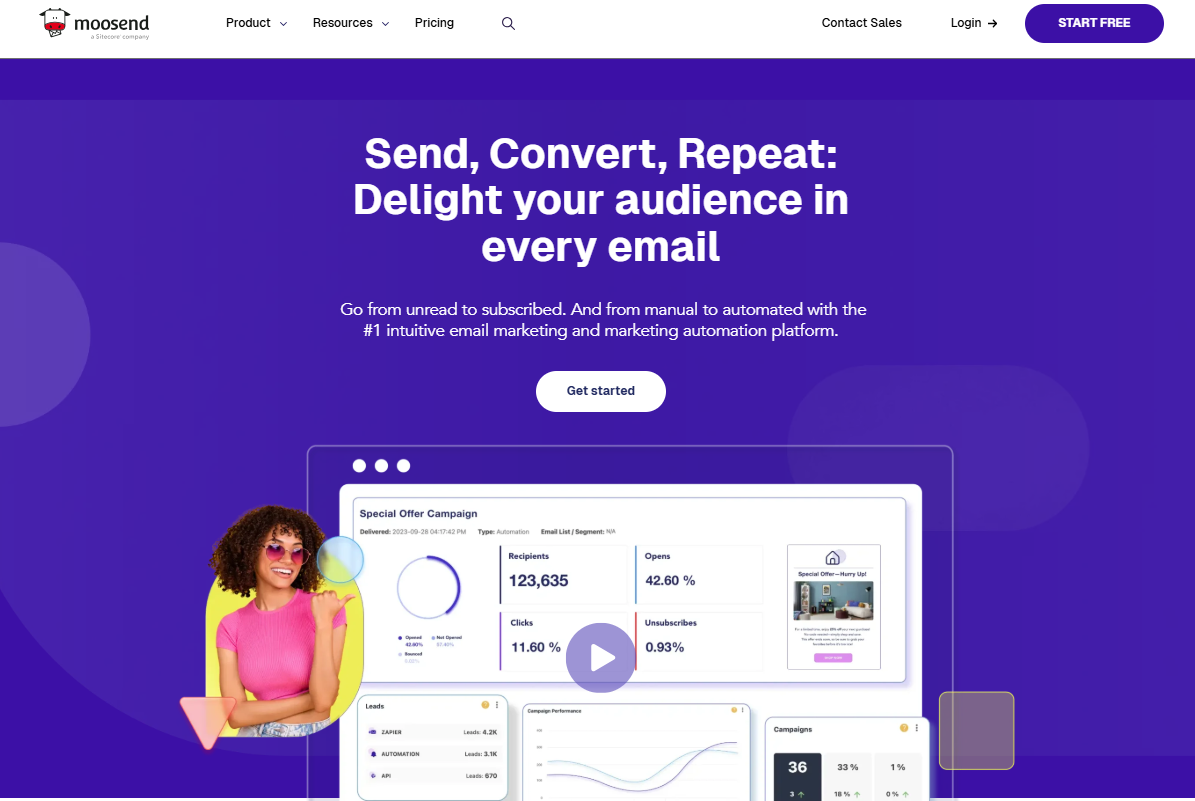
Moosend is a versatile email marketing platform with tools to create and optimize different marketing assets: emails, signup forms, and landing pages. Unlike Mailchimp, Moosend doesn’t save its top features (e.g., automated workflows, customizable templates, and segmentation) for high-priced plans; instead, they’re included in the low-tier.
On top of that, you get an intuitive interface, great support, and top deliverability. All these factors make it an ideal email marketing software for startups, SMBs, and content creators that want to make every dollar count.
Standout features:
- Flexible email editor with ready-made assets like product blocks and countdown timers that you can drag-and-drop into your design
- Visual automation builder with pre-built workflows and conditional logic
- Signup forms and landing pages, plus built-in templates to use as starting points
- Intuitive and granular list management with AI-powered features like Audience Discovery
- Real-time, detailed reporting, and the option to create your own custom report in a few clicks
Pros:
- Pro-level features and responsive customer support across all pricing plans
- Extended collection of ready-made email templates for every occasion and industry
- AI Writer that helps you produce and optimize copy in emails, forms, and landing pages
- Flexible pricing model (Moosend+) that lets you create your own custom plan and add only the features you need
Cons:
- Fewer native integrations with third-party apps (although you can extend them using the integration with Zapier)
- No free forever plan
Moosend pricing: Paid plans start at $9/month, 30-day free trial with most features available
2. Omnisend
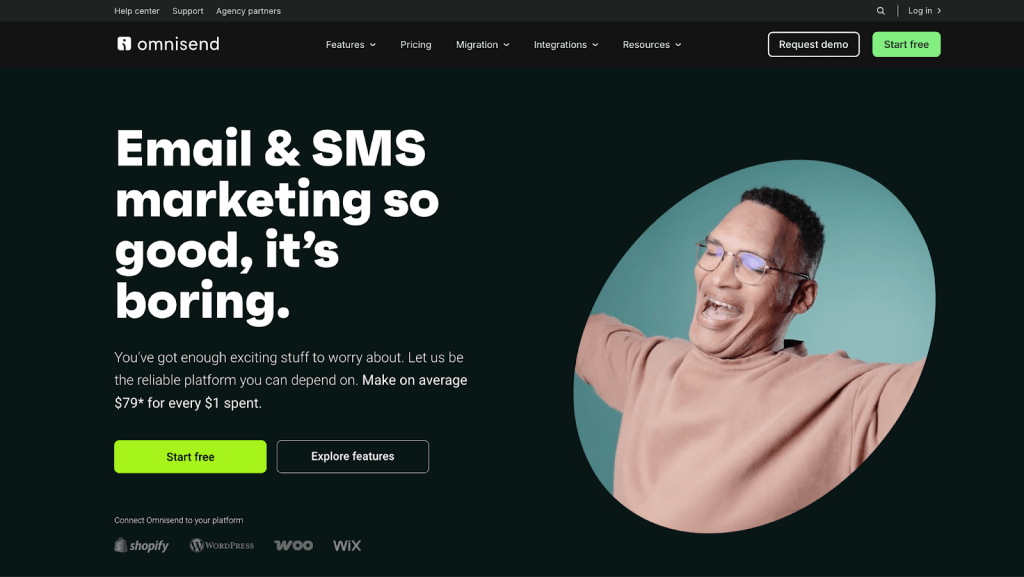
Omnisend is an all-in-one email and SMS marketing platform built for ecommerce brands that want advanced capabilities without a complicated setup. Unlike Mailchimp, Omnisend gives you access to automation, segmentation, and multichannel messaging from the start — plus 24/7 human support on every plan.
It’s designed for growing businesses that need powerful functionality, strong reporting, and seamless ecommerce integrations, all within a platform that remains intuitive as they scale.
Standout features:
- Pre-built ecommerce automation workflows, including cart abandonment, browse abandonment, welcome series, post-purchase follow-ups, and more
- Advanced segmentation based on shopping behavior, campaign engagement, and purchase data for highly targeted messaging
- Omnichannel marketing with email, SMS, and web push notifications managed from one platform
- Drag-and-drop email editor with dynamic product blocks, discount codes, and personalized content
- Built-in A/B testing to optimize subject lines, content, and offers
- Real-time reporting that connects campaign performance directly to sales results
Pros:
- 24/7 live customer support available on all plans
- Powerful automation and segmentation without unnecessary complexity
- Native integrations with major ecommerce platforms for fast, reliable syncing
- Free plan available with access to core features (not a limited-time trial)
Cons:
- Primarily built for ecommerce, so it’s less suited to non-retail business models
- SMS credits are plan-based, which may require upgrades for high-volume sending
Omnisend pricing:
Paid plans start at $16/month, Free plan available (up to 250 contacts and 500 emails/month), no free trial.
3. Brevo

Brevo is a reputable email marketing platform with easy onboarding. What makes it a great alternative to Mailchimp? People love its advanced features built to help businesses enhance their multichannel marketing.
And you can have it at a far more affordable price, or even for free thanks to Brevo’s free plan. So, it could be a right fit for small businesses or startups that want to test the waters before making a big investment.
Standout features:
- Targeted automated workflows that combine email, SMS, WhatsApp, and push notifications
- Option to create your own live chat, customize it to match your branding, and add it to your site
- Transactional email functionality
- Dynamic lists that update automatically based on subscriber activity
Pros:
- Generous free plan with some of the platform’s best features (e.g., SMS marketing and transactional emails)
- Unlimited contacts in the Enterprise plan
- Platform and support available in six languages
Cons:
- Limited native app integrations
- Inconsistent deliverability
- No phone support for Starter plan users
Brevo pricing: Paid plans start at $9/month, free plan allows for 300 daily emails
4. MailerLite

MailerLite is an email marketing solution known for its simplicity and sleek design. It’s a Mailchimp alternative with all the email features that budget-conscious professionals need, plus simple automated sequences and autoresponders.
What sets it apart from its competitors? You can use the platform to build a website and sell digital products. A characteristic that makes it a top choice for freelancers and content creators.
Standout features:
- Clean email editor that offers more than 70 premade content blocks like surveys and image carousels
- Options to promote and sell digital products using your website, emails, and landing pages
- Intuitive website, blog, or online store creation with a drag-and-drop builder
- Email verification tool to easily filter out false or misspelled email addresses
Pros:
- Option to save your top-performing landing page elements and drag-and-drop them into future designs
- Free plan that includes basic automation, unlimited forms, and up to one website (but no access to email templates)
- Multilingual customer support, available 24/7
Cons:
- Sophisticated features like the custom HTML editor and the AI writing assistant are destined for more expensive plans
- Lack of in-depth reporting and advanced logic in automation
MailerLite pricing: Starts at $10/month, free plan
5. Kit

Kit is the email software that many creators trust to streamline their workflow. Unlike Mailchimp that targets every user, Kit is built to help this specific group build a loyal customer base and make money through their content (e.g., by monetizing Facebook videos).
Plus, the platform allows you to connect with other creators and get audience recommendations so you can easily grow a high-quality email list.
Standout features:
- Simple interface and easy-to-grasp features, ideal for non tech-savvy users
- Automated RSS-based emails to keep subscribers updated about fresh content
- Intuitive automation editor that makes it easy to build simple workflows
- Flexible segmentation with easy tagging
Pros:
- Options to set up and share a paid newsletter with low transaction fees
- Functionality to sell digital products like eBooks or templates directly through your emails without the need for extra tools
- A free plan that includes creating unlimited landing pages and forms, as well as paid newsletters
Cons:
- Basic email and multichannel marketing features compared to other Mailchimp alternatives in this list
- Lack of more advanced capabilities like detailed reporting, design customization, variety of stylish templates
Kit pricing: The Creator plan starts at $29/month, 14-day free trial
6. AWeber

AWeber is another great option for businesses that want to create, personalize, and automate emails. Aimed mostly at small businesses and entrepreneurs, it offers a handful of capabilities under one roof. The best part is that you can access them in cheaper plans, or even the free version.
Do you need help setting things up? The platform’s got you covered since it allows you to get in touch with successful professionals for advice through their unique Certified Experts program.
Standout features:
- Variety of inspiring, pre-written automated sequences (e.g., email mini-courses, podcast email series, or lead magnet campaigns)
- AI writing tool that creates and delivers a newsletter draft each week based on your custom prompt and using your unique voice
- Large selection of ready-made landing page templates for almost every business type
- Option to resend campaigns to non-openers
Pros:
- Smart email editor that pulls your assets from your website and social media so you can instantly create branded designs
- Extensive library of educational resources, such as guides, video tutorials, and virtual events
Cons:
- The platform’s deliverability has its ups and downs
- Basic segmentation and customization capabilities
Pricing: Starts at $15/month, free plan available (limited to 500 contacts)
Which Software Is the Perfect Fit for You?
If Mailchimp’s free plan doesn’t meet your needs, you’ll have to pick a paid plan. Its low-tier is still affordable, but not for all use cases. For example, if the same email address is in more than one list, you’ll be charged twice or more (depending on the number of lists). Plus, you’ll pay for inactive contacts, even if you never email them anymore.
Thankfully, there are robust Mailchimp alternatives that offer both better pricing and quality features. How will you know which to pick?
First, decide on the features that matter the most and the budget available. Then, spend some time on review sites to learn what users say. If people with common aspirations and pain points sing the praises of a few of these tools, test them to see if they do the trick for you, too.
And here comes the most important task: signing up for each tool’s free trial or free plan. Build emails, schedule workflows, segment your audience, and look into analytics to get a feel for it.
Does the platform serve your needs? Is everyone on your team comfortable with it? Does it have hidden fees? All these questions, along with an adequate testing period, will bring you one step closer to the final (and best) choice.
Need a hand getting started? You can easily find a freelancer to help set things up, so you’re not doing it all alone.


 Twine
Twine