
 Vicky
VickyIn the freelance economy, your portfolio is your most powerful sales tool. It isn’t just a gallery of past work; it is a visual proof of your problem-solving capabilities and professional reliability. Whether you are a UI/UX designer, a motion graphics artist, or a prompt engineer, clients typically spend less than 30 seconds scanning your portfolio before deciding if you’re worth an interview.
To move from “shortlisted” to “hired,” your portfolio needs to do more than look good—it needs to function as a conversion engine. This guide provides an exhaustive checklist of what to include to ensure you stand out on platforms like Twine and land higher-paying projects.
1. A Curated Selection of Your Best Work
The most common mistake freelancers make is treating their portfolio like an archive. Quality always trumps quantity. Including mediocre work from three years ago only serves to dilute the impact of your recent, high-level projects.
- The “Rule of Six”: Aim for 4 to 6 high-quality case studies. This is enough to show depth without overwhelming the viewer.
- Relevancy: Ensure the work you show aligns with the work you want to get. If you want to move into fintech UI, don’t lead with illustrations for a local bakery.
- Recency: Prioritize projects from the last 12–18 months to demonstrate you are up to date with current industry trends and tools.
2. Results-Oriented Case Studies
Clients don’t just buy “designs” or “code”; they buy solutions to business problems. A static screenshot doesn’t tell the story of how you helped a brand grow. For each major project, include:
- The Challenge: What was the client’s problem? (e.g., “The client had a 40% bounce rate on their checkout page.”)
- The Solution: What did you do to fix it? Explain your process, from research to execution.
- The Result: Use data whenever possible. Did you increase site speed by 20%? Did your ad copy lead to a 5% increase in conversion? Content that includes data and visual evidence is more likely to be perceived as authoritative.
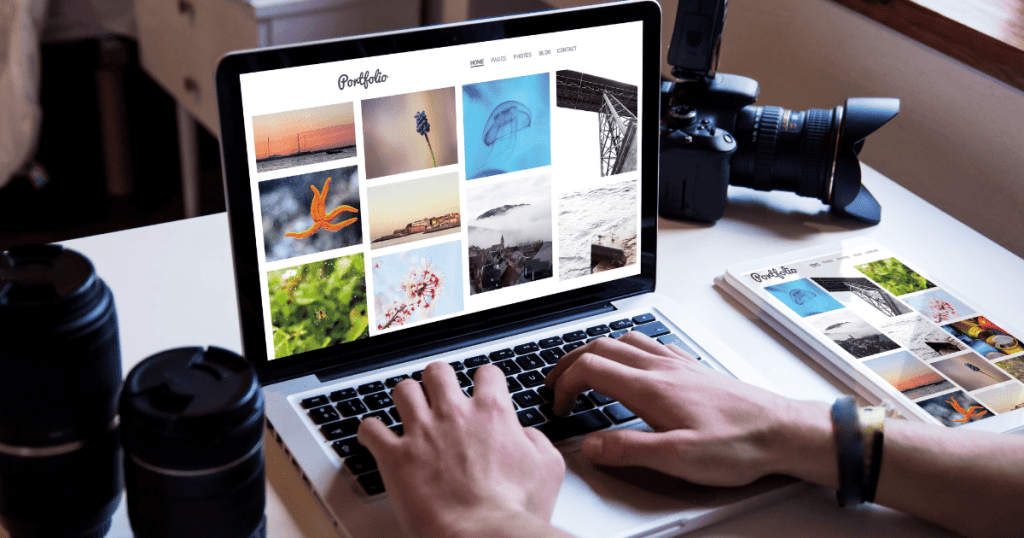
3. High-Quality Visuals and Presentations
How you present the work is often as important as the work itself.
- Mockups: Use professional mockups to show your work in context—such as a mobile app on a smartphone or a logo on physical stationery.
- Video Walkthroughs: For complex projects like software engineering or motion design, a 30-second screen recording explaining a feature can be more effective than ten static images.
- Optimized Loading: Ensure your images are high-resolution but optimized for the web. A slow-loading portfolio is the fastest way to lose a client’s interest.
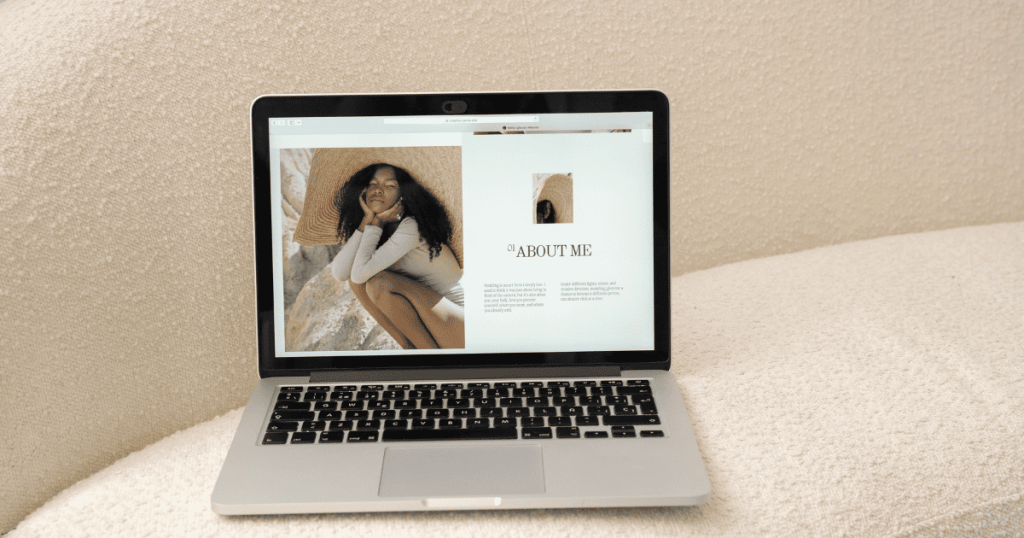
4. A Clear, Niche-Focused Bio
Your “About” section should not be a life story. It should be a value proposition. Avoid generic terms like “passionate creative” or “hard worker.” Instead, be specific about who you help and how.
Example: “I am a UI/UX Designer specializing in SaaS platforms. I help B2B tech companies reduce churn by creating intuitive, user-centric interfaces.”
By narrowing your focus, you become an expert rather than a generalist. This positioning allows you to command higher rates on Twine, as clients are willing to pay a premium for specialized knowledge.
5. Technical Skills and Tool Stack
Don’t make clients guess if you know how to use their preferred software. List your technical proficiencies clearly.
- Designers: Figma, Adobe Creative Suite, Sketch, Canva.
- Developers: React, Python, AWS, SQL.
- Marketers: Google Analytics, HubSpot, SEMrush, Meta Ads Manager.
6. Social Proof and Testimonials
Trust is the primary currency of the freelance world. If a previous client has praised your work, put that praise front and center. A testimonial from a verified client acts as a “de-risking” mechanism for the new lead.
- Attribute the quote: Include the client’s name, role, and company.
- Placement: Place testimonials next to the specific project they refer to, rather than burying them on a separate “Reviews” page.
7. Contact Information and Call to Action (CTA)
You would be surprised how many freelancers forget to make it easy for clients to actually hire them. Every page of your portfolio should lead the viewer toward a specific action.
- Direct Contact: Include a professional email address and links to your professional social profiles (like LinkedIn).
- Availability: Mention if you are currently taking on new projects.
- The Pitch: Use a clear CTA, such as “Book a discovery call” or “Inquire about your project.”
The Ultimate Portfolio Checklist Summary
Element | Requirement | Why it matters |
Project Variety | 4–6 niche-specific pieces | Demonstrates expertise without clutter. |
Case Studies | Problem/Solution/Result format | Proves you understand business goals. |
Testimonials | Verified client quotes | Builds immediate trust and credibility. |
Tool Stack | List of software/languages | Confirms you can hit the ground running. |
CTA | Clear “Hire Me” or “Contact” button | Reduces friction in the hiring process. |
8. Final Polish: The “Client-Eye” Review
Before you hit “publish” or send your Twine portfolio link to a client, do a final walkthrough from their perspective.
- Is it mobile-friendly? Many project managers browse portfolios on their phones during commutes.
- Are the links working? Broken links suggest a lack of attention to detail.
- Is the tone consistent? Ensure your writing style matches the professional image you want to project.
Building a sustainable freelance career requires more than just talent—it requires strategic positioning. By following this checklist, you ensure that your portfolio isn’t just a collection of images, but a professional pitch that works for you 24/7.
Conclusion
Your portfolio is a living document. As you grow, learn new skills, and complete bigger projects, your portfolio should evolve with you. By focusing on results, social proof, and clear communication, you significantly shorten the distance between a client viewing your profile and signing a contract.
Ready to put your portfolio to the test? Twine connects skilled freelancers with businesses looking for high-quality creative and technical talent.
🚀 Ready to land better freelance projects? Create your free Twine portfolio and start connecting with clients today.


 Lizzie Strasser
 Twine
Twine