
 RJ van Beek
Scope creep doesn’t start with “one quick change.” It starts during onboarding.
Every freelance graphic designer knows the dreaded sentence.
“Could we just try one more version?”
Harmless, right? It’s just a small tweak. A little layout change, a few size variations, and a quick export. All of a sudden, there’s a second stakeholder who has “a few thoughts” and now your clean and beautiful brand identity project has become a creative buffet where everyone is holding a plate and asking for more.
That’s scope creep. And though it feels like it comes out of nowhere, it rarely does. Because it usually starts much earlier, during the client onboarding honeymoon phase.
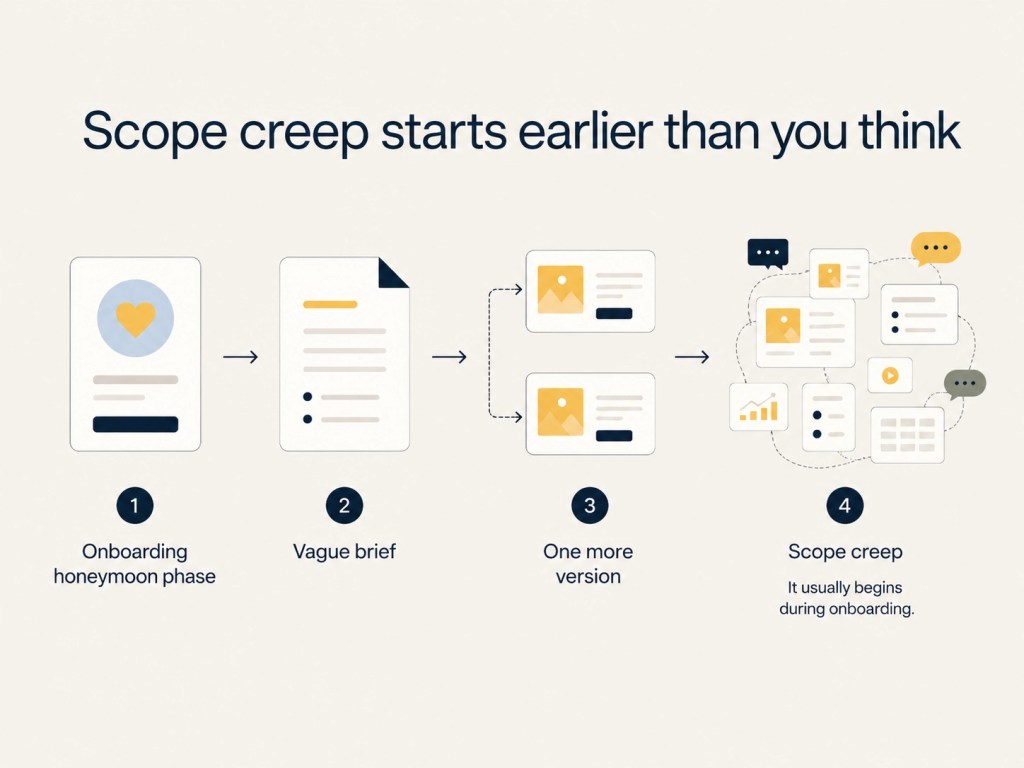
The Honeymoon Phase
The client is excited and you’re excited. The project feels full of possibility and everyone is being charming. Nobody wants to ruin the mood by talking about revision limits, excluded deliverables, file formats, timelines, and payment terms. That’s just going to ruin the energy!
So you skip the awkward structure and you rely on the discovery call. You accept the vague brief and happily start designing before the client has sent the assets. You let feedback arrive through email, Slack, WhatsApp, voice notes, and the occasional “sent from my iPhone” novella. Then the client disappears for two weeks, returns Thursday, and wants everything by Friday.
Then the project feels out of control. But it’s not because you’re bad at design, but it’s because your onboarding process left too much room for interpretation.
Scope Creep: A Growing Issue You Cannot Ignore
In a market where more freelancers are competing globally, more clients expect fast AI-assisted turnaround, and creative work is increasingly judged by both taste and speed, designers can’t afford fuzzy project boundaries. In Moovila’s 2025 State of the Industry report, scope creep ranked as the most common project management challenge cited by 58.7% of respondents, up from 46% in 2024.
Your onboarding process is not just helpful admin, it’s your a profit and mental protection system.
Let’s fix the five mistakes that quietly invite scope creep into your design projects.
Mistake 1: Relying on verbal briefs from discovery calls
A great discovery call feels productive, as they should.
The client talks through their brand snd you ask smart follow-up questions. They explain what they like, what they hate, who their audience is, and why their cousin’s logo “just doesn’t feel premium enough.” You both leave the call feeling aligned.
Then, three weeks later, the client says, “Oh, I thought we agreed this would include social templates too.”
Cue the beginning of scope creep.
The problem with verbal briefs is not that clients are dishonest. It’s that memory is a terrible project management tool. People think they’ve had a conversation, or mentioned a thing during a brief. Verbal briefs leave too much room for assumptions and unintentional gaslighting.
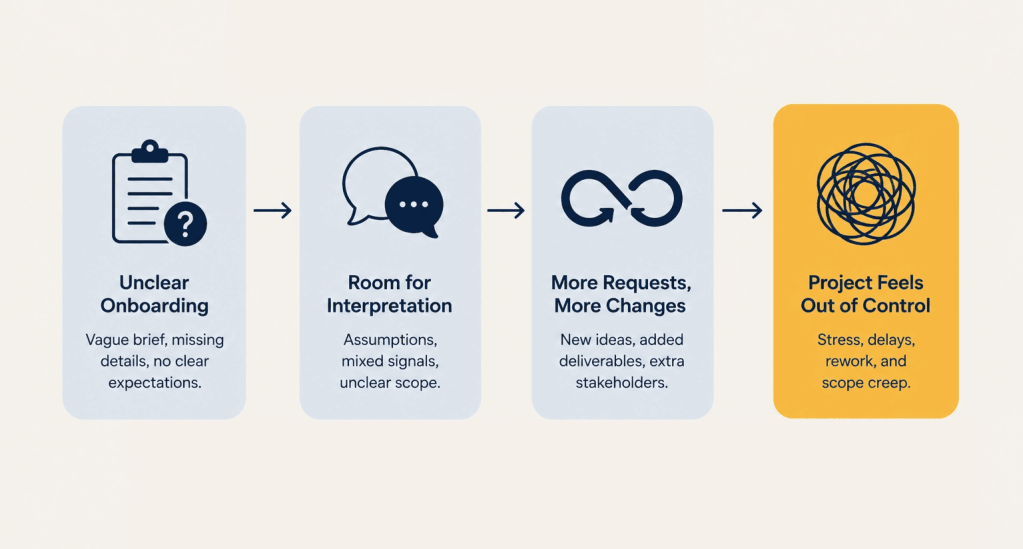
A casual conversation can be useful for context, but it should never be the official source of truth because assumptions hide in the gaps. Designers hear “brand refresh” and think logo refinement, typography, color palette, and basic guidelines. Clients hear “brand refresh” and think completely new logo, social templates, Canva files, pitch deck, email signature, merch mockups, and maybe a small mural if everyone’s feeling inspired.
That’s where scope creep begins: not in bad intent, but in mismatched interpretation.
The fix: turn spoken ideas into a concrete intake record
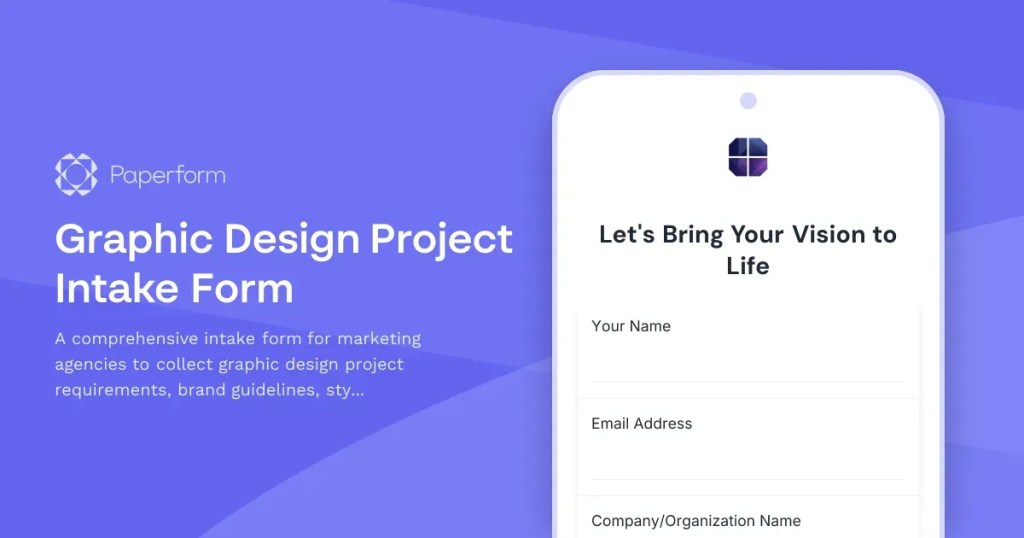
After every discovery call, the next step should be a written, structured client intake form.
Not a loose email recap with a “just send over whatever you have.” A proper intake record that captures the project details in one place and helps both sides set clear expectations.
For a graphic design project, that might include asking specifically about:
- Project type: logo, brand identity, packaging, campaign assets, social templates, presentation design, web graphics
- Business goals: launch, repositioning, lead generation, event promotion, product update
- Audience details: who the work needs to attract, reassure, convert, or impress
- Deliverables: exactly what will be created
- File formats: PNG, JPG, SVG, PDF, AI, PSD, Figma, Canva, print-ready files
- Revision rounds: how many are included and what counts as a revision
- Deadline and review dates
- Required assets
- Stakeholders and final decision-maker
- Budget and payment terms
The goal is simple: turn the “vibe” from the call into a record everyone can reference. You and your client will be thankful later for this source of truth.
This is where a tool like Paperform fits naturally into a designer’s workflow. You can build an on-brand client intake form that feels like part of your studio, not a tax office portal. Add images, examples, conditional questions, file uploads, and payment fields
You can even add logic that adapts based on the project type.
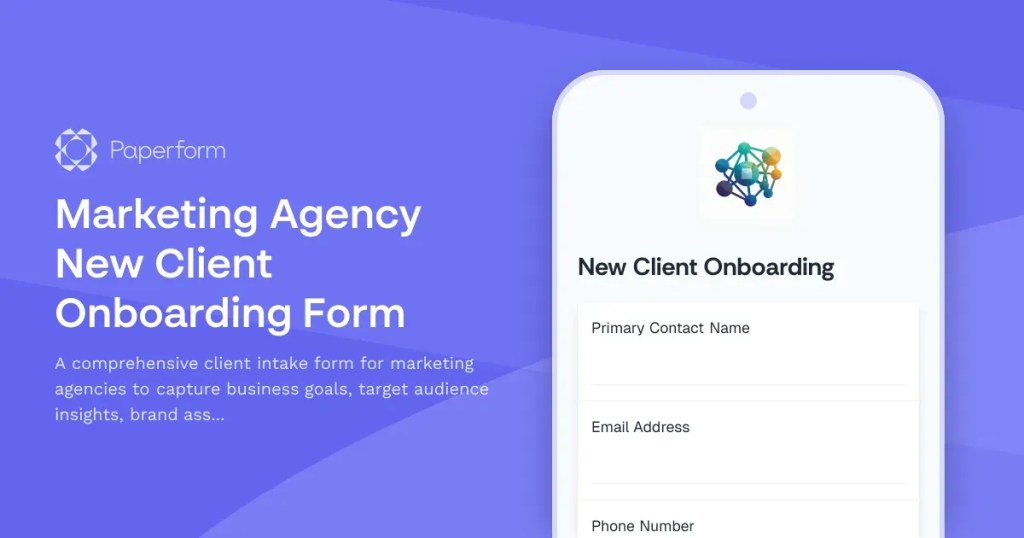
So if a client selects “brand identity,” they see questions about logos, color palettes, typography, usage contexts, and brand guidelines. If they select “social campaign,” they see questions about platforms, formats, copy, campaign dates, and ad specs.
And you can do all that in the same form and build it with smarter paths.
That’s the difference between collecting information and creating alignment.
Mistake 2: Failing to explicitly define what is included and excluded
Most designers are pretty good at listing what they will deliver.
A logo package and three concepts with two revision rounds. Add in final files, brand guidelines, and some social templates. Lovely.
But the real danger is everything you don’t mention.
If your proposal says you’ll deliver “brand assets,” does that specify what those assets are? Will that include Instagram templates? LinkedIn banners? Presentation slides? Email signatures? Will the client expect editable source files? A launch graphic? A 30-minute tutorial for the client’s marketing assistant that no-one will ever watch?
Clients don’t always know what design deliverables involve. They may not understand the difference between a logo suite and a full brand system, or between a static social graphic and a template library. If you don’t define the edges, they’ll create their own.
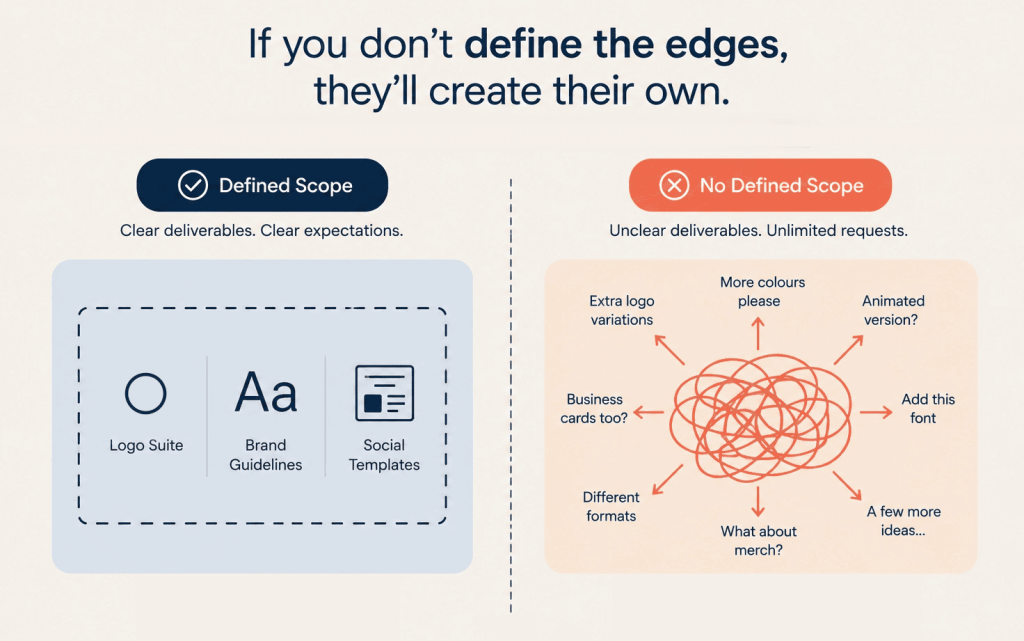
A project without inclusions and exclusions is not helpful to you as it makes you exposed to scope creep.
The fix: create an “Out of Scope” section in every project document
Every proposal, service agreement, and kickoff document should include clear “In Scope” and “Out of Scope” sections.
Not hidden in tiny legal text or buried under “miscellaneous.” Give each its own heading.
For example:
Out of scope for this project:
- Copywriting or naming
- Photography, illustration, or icon sourcing
- Paid font or stock image licensing
- Website development or CMS implementation
- Additional logo concepts beyond the agreed number
- Additional revision rounds
- Animated assets
- Social media templates unless listed in deliverables
- Canva or editable template setup unless included
- Print vendor coordination
- Strategy workshops beyond the kickoff call
This does three useful things.
First, it protects your time (and your mental health!). Second, it helps the client make better decisions. Third, it allows you to charge for any extra work. They can see exactly what’s included, what’s not, and what can be added later as paid work.
That’s not being difficult. That’s being professional.
You can still be warm and collaborative. And it gives you the ability to say, “Great idea, we can absolutely add that as a separate item.” The difference is that you are now treating extra work as extra value, not as a free side quest.
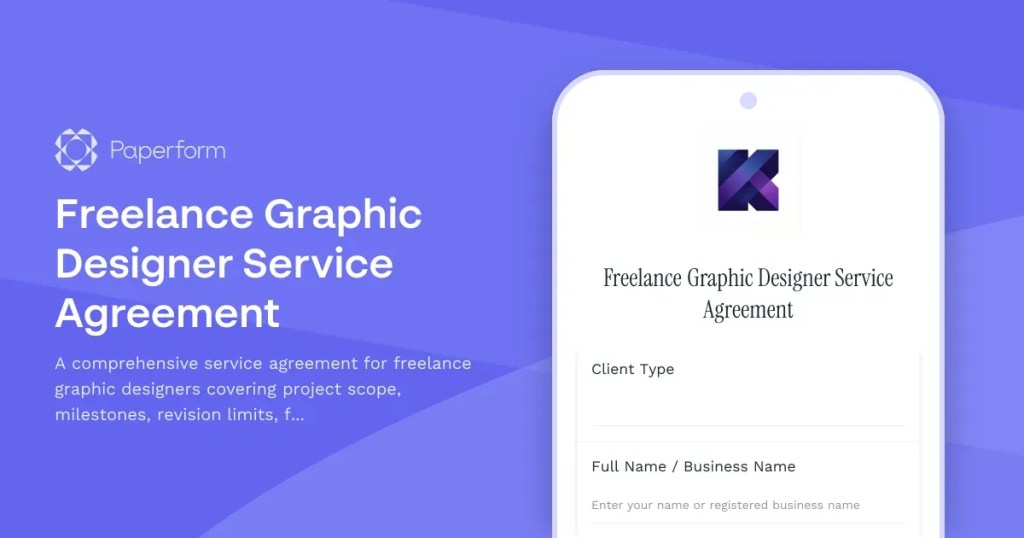
Paperform can help here by turning your scope into a repeatable onboarding flow. You can create a project agreement form with required checkboxes for included deliverables, excluded items, revision limits, and approval terms. Add conditional logic so clients only see relevant exclusions based on their project type.
Are they asking for a logo? Show exclusions for animation, trademark registration, and brand naming.
Is it a packaging project? Show exclusions for print testing, dieline creation, and supplier management.
Campaign design? Show exclusions for copywriting, ad setup, and platform publishing.
This will remove the dreaded “I thought that was included” email landing in your inbox. Just clear boundaries, captured before the project starts.
Mistake 3: Treating the project kickoff as a casual hand-off
You’ve got the contract and the deposit is paid. The client seems lovely and easy to work with.
So you start designing.
Then you realise you don’t have the correct logo files. Or the brand guidelines and fonts. Or the copy or approved photos. Or the 10 line legal disclaimer that HAS to appear on every asset.
Now your timeline is technically running, but your project is stuck in limbo.
This is one of the sneakiest forms of scope creep because it doesn’t always look like extra work. It looks like waiting while you are actually nudging, searching, and reworking. You end up rearranging your week because the client sent the “final-final-copy-v7” document three days late.
For freelancers, this is expensive because your calendar is your inventory. When a client delays sharing needed assets and inputs, they block space you could have used for other paid work.
For agency designers, the same problem appears as internal chaos. Account managers chase assets while designers are forced to start with incomplete information all while creative directors review work built on missing context. So everyone loses time and somehow the deadline remains “urgent.”
The fix: don’t start until the onboarding packet is complete
Your kickoff should not be a casual hand-off. It should be a critical non-negotiable step.
Before creative work starts, ensure the client completes a standardized onboarding packet. If they don’t complete the packet, production does not start and timelines will get adjusted.
That packet might ask for:
- Brand guidelines
- Existing logos and source files
- Fonts and licenses
- Color values
- Product images
- Copy documents
- Competitor examples
- Inspiration references
- Print specs
- Platform requirements
- Login details or collaborator access
- Stakeholder names
- Final approval contact
- Billing details
- Signed agreement
This is not about being rigid or mean. It’s about protecting the quality of the work and your ticking timeline. Designers do their best thinking when the inputs are clear and they have enough time to work. A strong onboarding packet reduces stop-start work, avoids rework, and helps clients understand that their participation affects the timeline.
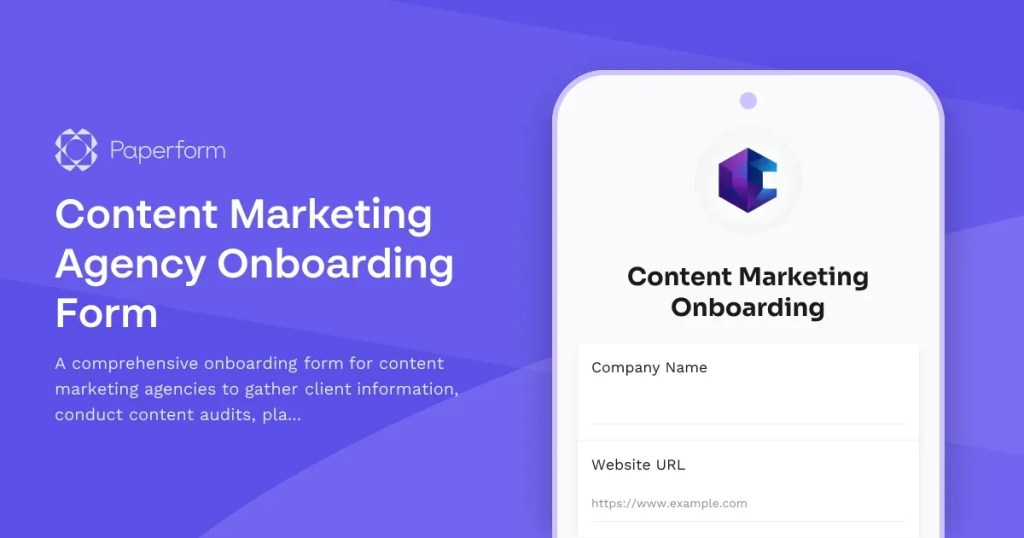
And of course, you can make this feel smooth, not scary. Use a Paeprform content onboarding form or start with a client onboarding form as the central packet. Add file upload fields for assets, required questions for missing details, and a custom success page that explains what happens next.
You can even use automations to send yourself a notification, add the client to a spreadsheet or CRM, create a task in your project management tool, and send a welcome email. That means less chasing and more designing.
Mistake 4: Accepting informal, unstructured client data
Creative projects often become messy because information arrives everywhere and is stored in six different places.
The logo feedback is shared in Slack while the color reference is in an email. The new copy is in a Google Doc, and meanwhile the client’s CEO sent “inspiration” on WhatsApp. And then out of nowhere, someone added comments to a PDF you didn’t know existed.
This is all happening while you are still wondering who the actual decision-maker is. And you find out when they’re replying to a three-week-old thread with “Can we make it pop?”
Sound familiar?
For graphic designers, scattered information is especially dangerous because creative choices depend on context. A packaging project can go off track if the dieline changes. A brand identity project can change trajectory if one stakeholder casually adds a new audience segment. A social campaign can double in size if feedback arrives as individual requests instead of one consolidated review.
Unstructured input creates three problems:
- You miss important details.
- You spend unpaid time organising the client’s chaos.
- The client assumes anything they mentioned anywhere is now part of the brief.
That last one is the budget goblin. It must die.
The fix: force all initial project data into one centralized intake channel
Your onboarding process should tell clients exactly where project information goes.
One form and one source of truth. One place to upload files and collect feedback. One structured record you can turn into a brief, contract, task list, or workflow.
This doesn’t mean clients can never email you. It means the official project details must live somewhere structured.
If you set the expectation early, you keep the project moving and avoid missed details. All initial project requirements, files, and approvals must be submitted through the onboarding form. Notes shared elsewhere may not be treated as part of the project scope unless added to the official brief.”
It may save you several days of work and one stress headache.
Paperform works well here because it lets you build forms that feel less like “admin” and more like a guided creative brief. You can use rich text to explain what you need, images to show examples, and conditional logic to avoid overwhelming clients with irrelevant questions.
A freelance designer could create separate paths to capture info and assets for:
- Logo design
- Brand identity
- Social media graphics
- Packaging design
- Presentation design
- Website graphics
- Print collateral
Each path collects the right information for that project type, then routes the submission into the tools you already use so that you aren’t adding more apps, but using cleaner inputs.
Because the designers who win will be the ones who make beautiful work without letting every project become an unpaid operations job.
Mistake 5: Starting creative work without a legally binding signature
This is the big one.
When a client says, “Looks good!” you take that as approval and you start designing.
But then the project changes, the timeline slips, or the client questions what was agreed. Suddenly, “looks good” feels less like a green light and more like gaslighting.
Email approval can be useful, but it is not the same as a signed agreement.
For freelance graphic designers, a contract protects more than payment. It clarifies the full working relationship:
- Scope of work
- Deliverables
- Revision rounds and timeline
- Payment schedule and late payment terms
- Cancellation terms
- Intellectual property ownership
- Portfolio usage
- File delivery formats
- Change request process
- Client responsibilities
Without that, you’re relying on goodwill. Goodwill is lovely, but it is not a business model.
This matters even more now because freelance work is faster, more global, and more digital than ever. Many designers work with clients they never meet in person and projects move across time zones. AI tools have raised expectations around speed. Clients want flexible creative help, but flexibility without formal approval can easily become unpaid work.
A signature is not just annoying admin or bureaucracy. It’s the moment everyone agrees to specific expectations and clarifies “This is what we’re doing.”
The fix: embed digital signing into the final approval step
The easier you make signing, the more likely clients are to do it before the work begins.
Instead of sending a PDF, waiting for the client to download it, sign it, scan it, forget it, and eventually send back a blurry attachment from their phone, you should build signing into your onboarding flow.
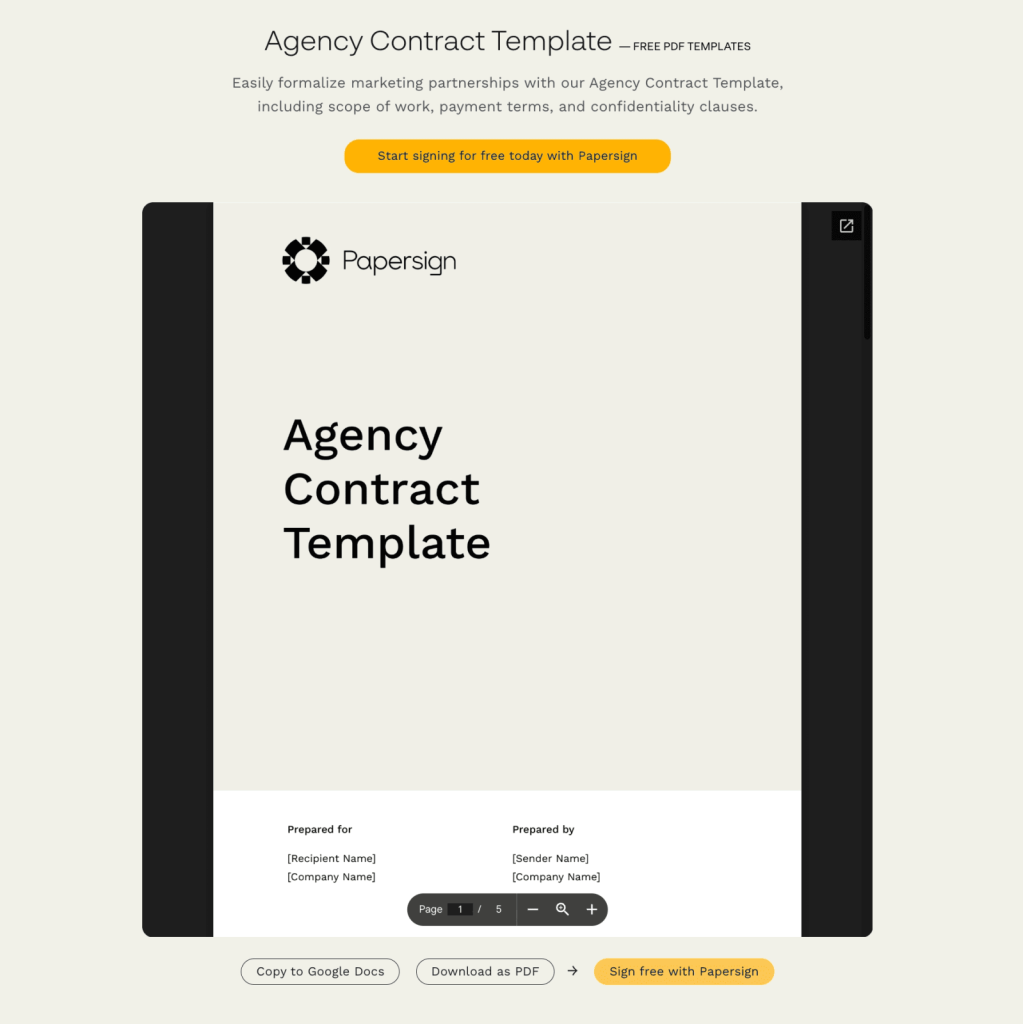
With form builder Paperform and contract tool Papersign, you can collect the project details through a form, use those answers to populate your agreement, and then send it for eSignature automatically. That means the client’s brief, scope, payment terms, and approval can all move through one clean process.
A simple flow might look like this:
- Client completes your project intake form.
- They upload assets and confirm deliverables.
- They review included and excluded scope.
- They accept revision and payment terms.
- Paperform triggers a Papersign agreement.
- The client signs.
- Your project officially begins.
That’s tidy, clean, and protective.
It also creates a better client experience. Clients don’t want clunky admin any more than you do. They want to feel guided, confident, and clear on what happens next.
A smooth signing step says, “You’re working with a professional.” It also protects you from the CEO’s surprise request for twelve extra banner ads for that campaign idea his aunt had.
Why this matters now
Client onboarding used to be treated as the boring bit before the real creative work. But that mindset is now outdated.
In 2026, creative freelancers are operating in a very different market. AI tools have made production faster, but they’ve also made client expectations blurrier. More people can generate visual options quickly, which means skilled designers need to prove value through taste, strategy, process, and reliability.
At the same time, clients are hiring more flexible creative talent across platforms, time zones, and project types. That creates opportunity, but it also creates complexity. The more distributed the work becomes, the more important the onboarding system becomes.
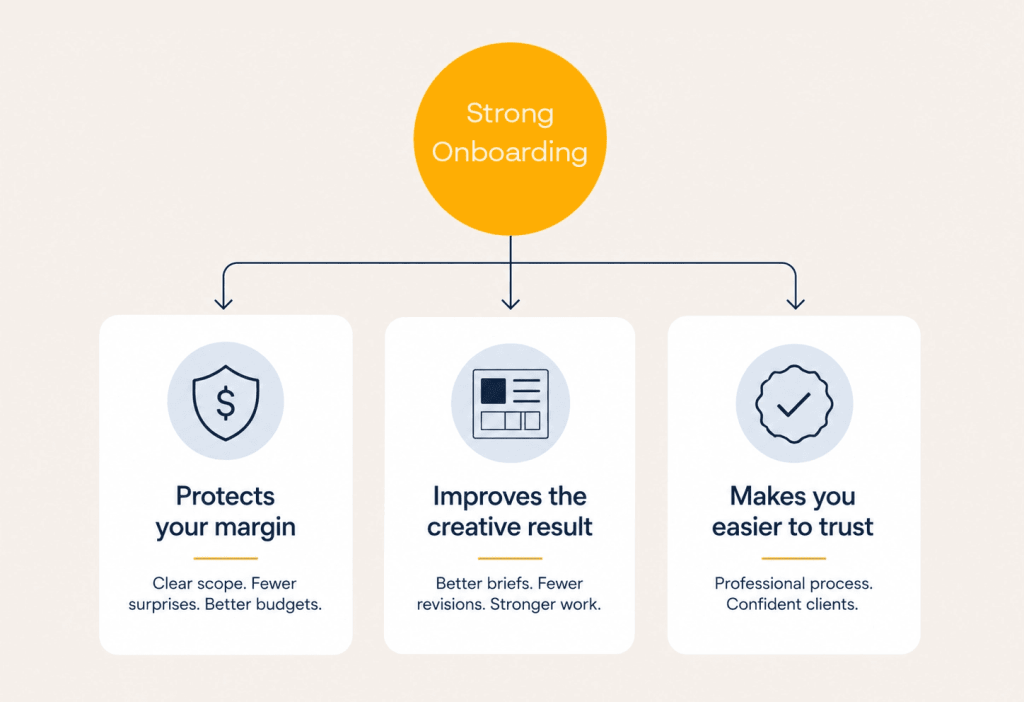
For graphic designers, strong onboarding does three things:
- It protects your margin.
- It improves the creative result.
- It makes you easier to trust.
That last one matters more than ever.
Clients don’t just hire designers because they can use Figma, Canva, Photoshop, or whatever tool is currently having a main character moment. They hire designers because they want someone who can turn messy ideas into clear, useful, beautiful work.
Your onboarding process is the first proof that you can do that.
A better client onboarding workflow for graphic designers
Here’s a simple workflow you can adapt for your next project:
Step 1: Discovery call
Use the call to understand the client’s goals, audience, context, and taste. Don’t try to solve the whole project live. The call is for insight, not final scope.
Step 2: Structured intake form
After the call, send a project-specific intake form that captures all requirements, assets, deliverables, file formats, stakeholders, deadlines, and budget details.
Step 3: Written scope and exclusions
Turn the intake answers into a clear scope of work. Include both “what’s included” and “what’s not included.”
Step 4: Client approval
Have the client confirm the scope, revision limits, timeline, payment terms, and responsibilities. Sometimes a follow-up call here is helpful to discuss. Don’t underestimate the power of conversation.
Step 5: Digital signature
Send the agreement for eSignature before any creative work begins.
Step 6: Kickoff only after completion
Remember that you are leaving fewer gaps for confusion to crawl into. Start the project once the form is complete, assets are uploaded, payment terms are clear, and the agreement is signed.
Stick to this processes and you’ll avoid last-minute meetings and extra admin.
Final thought: better boundaries make better creative work
Scope creep is not always a client problem, sometimes it’s an onboarding problem.
When designers rely on verbal briefs, vague deliverables, scattered feedback, missing assets, and unsigned agreements, they leave too many decisions open. And open decisions have a funny way of becoming unpaid work.
The fix is not to become cold, corporate, or difficult. It’s to build a smoother front door for your projects.
Set the scope, define the exclusions, collect the assets, and centralize the brief. Once that is done, get the signature and only then, get to work.
Your clients will feel clearer and your projects will run cleaner. Your profit margin will stop quietly leaking out through “just one quick change” demands.
Ready to build a client onboarding workflow that protects your time and still feels good to use? Start with a Paperform intake form, connect your agreement with Papersign, and turn your next project kickoff into a proper creative runway—not a group chat with deadlines.

 Wave
Wave
 Twine
Twine
 Raksha